IPTV that finally feels at home on your Mac.
Spectra is a native macOS player for Xtream Codes providers. A real EPG guide, movies and series with resume, and rock-solid playback — talking directly to your provider, and no one else.
macOS 14+ · Apple Silicon & Intel · Free during beta
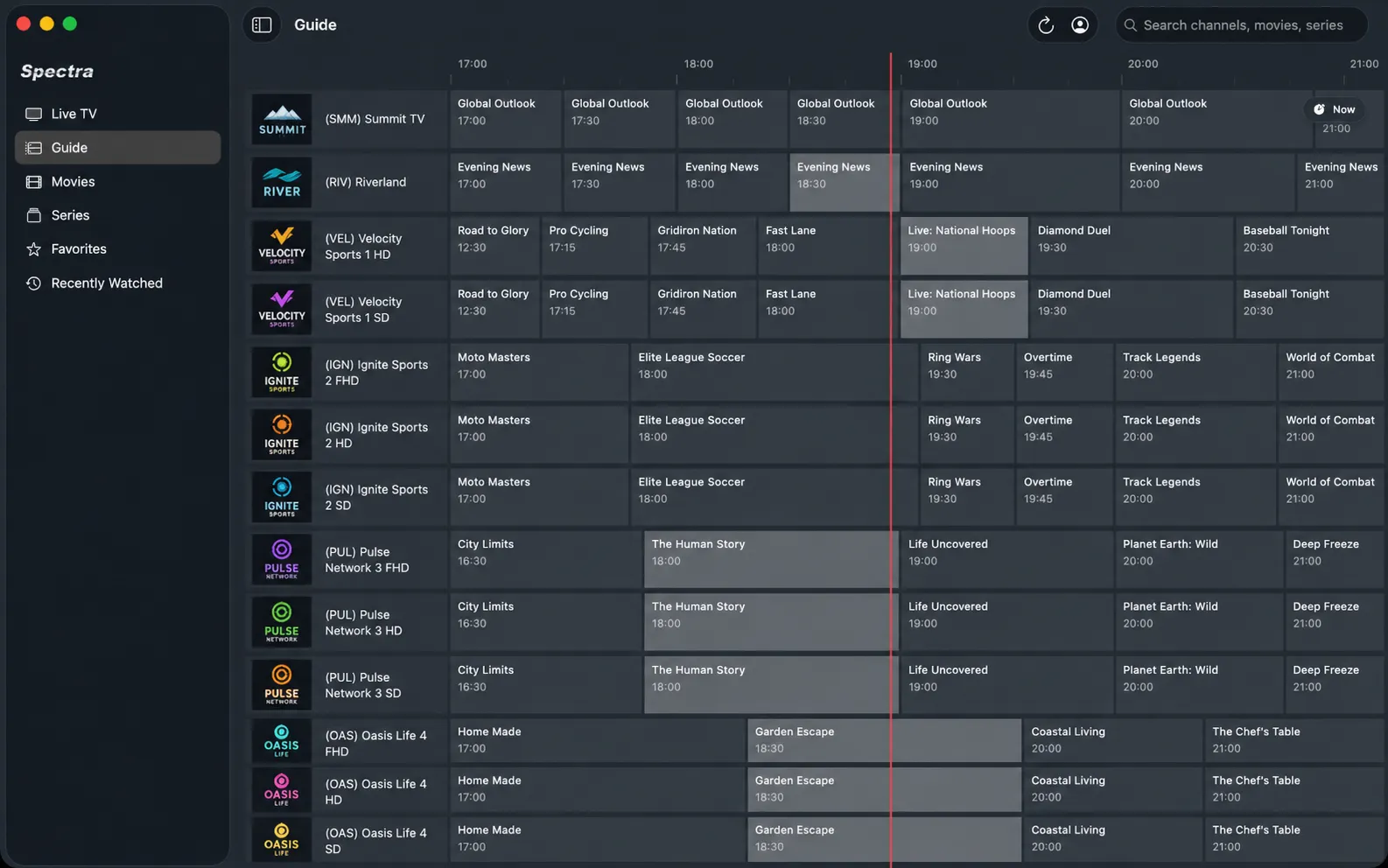
EPG Guide
The guide, done properly.
A real programme grid: the channel column stays pinned while you scroll the timeline, SD/HD/FHD variants of the same channel are grouped together, and a red now-line keeps you oriented. Hover any programme for details, or search by programme title to find what's on — and where.
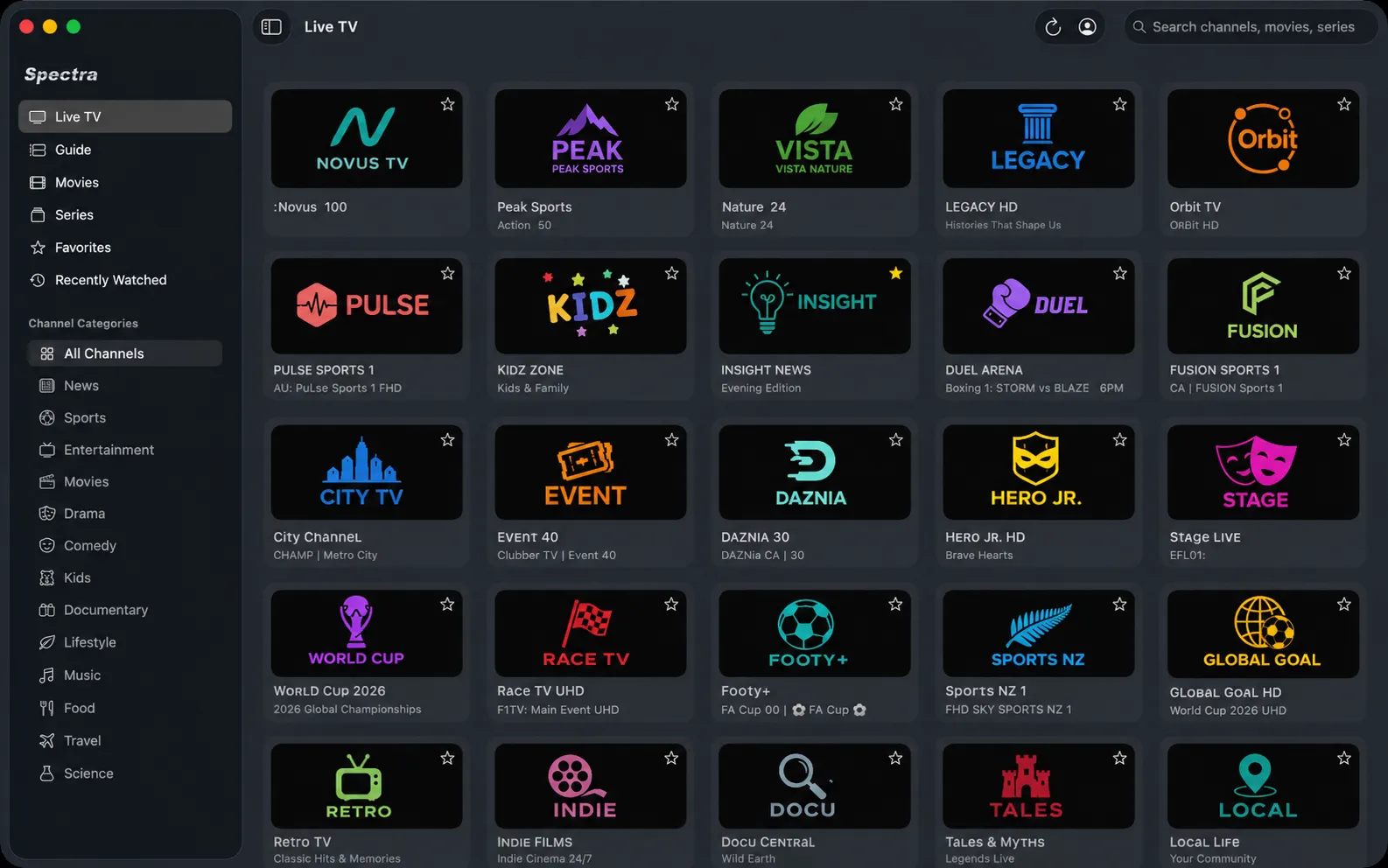
Live TV
Live TV without the clutter.
Browse channels by category from the sidebar, star your favorites, and find anything instantly with search. Zap between channels with the keyboard — it works like a TV, not a file manager.
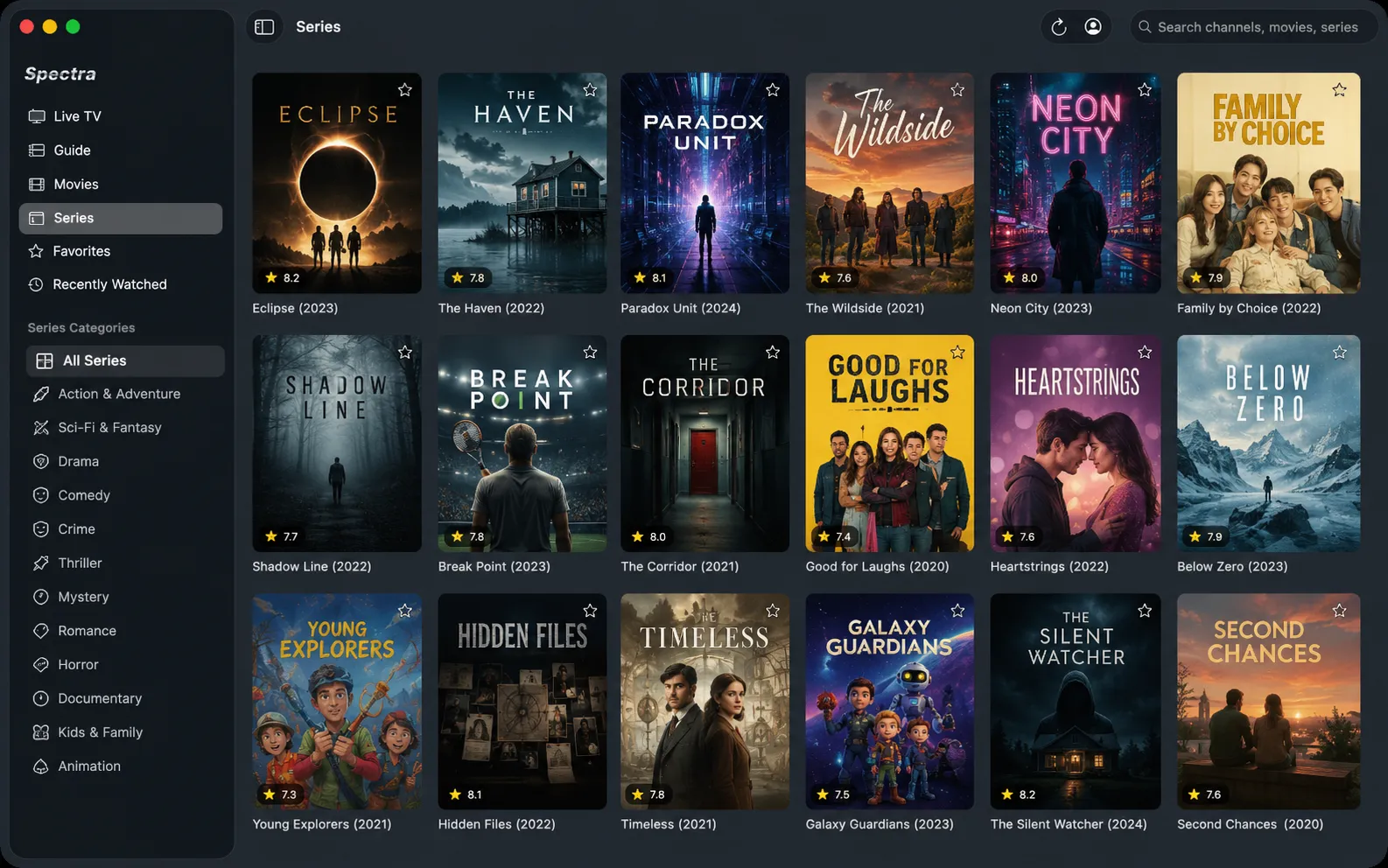
Movies & Series
Series that remember where you were.
Continue Watching picks up exactly where you left off. Finish an episode and the next one starts automatically; jump anywhere in a season with the in-player episode picker. Movies resume too.
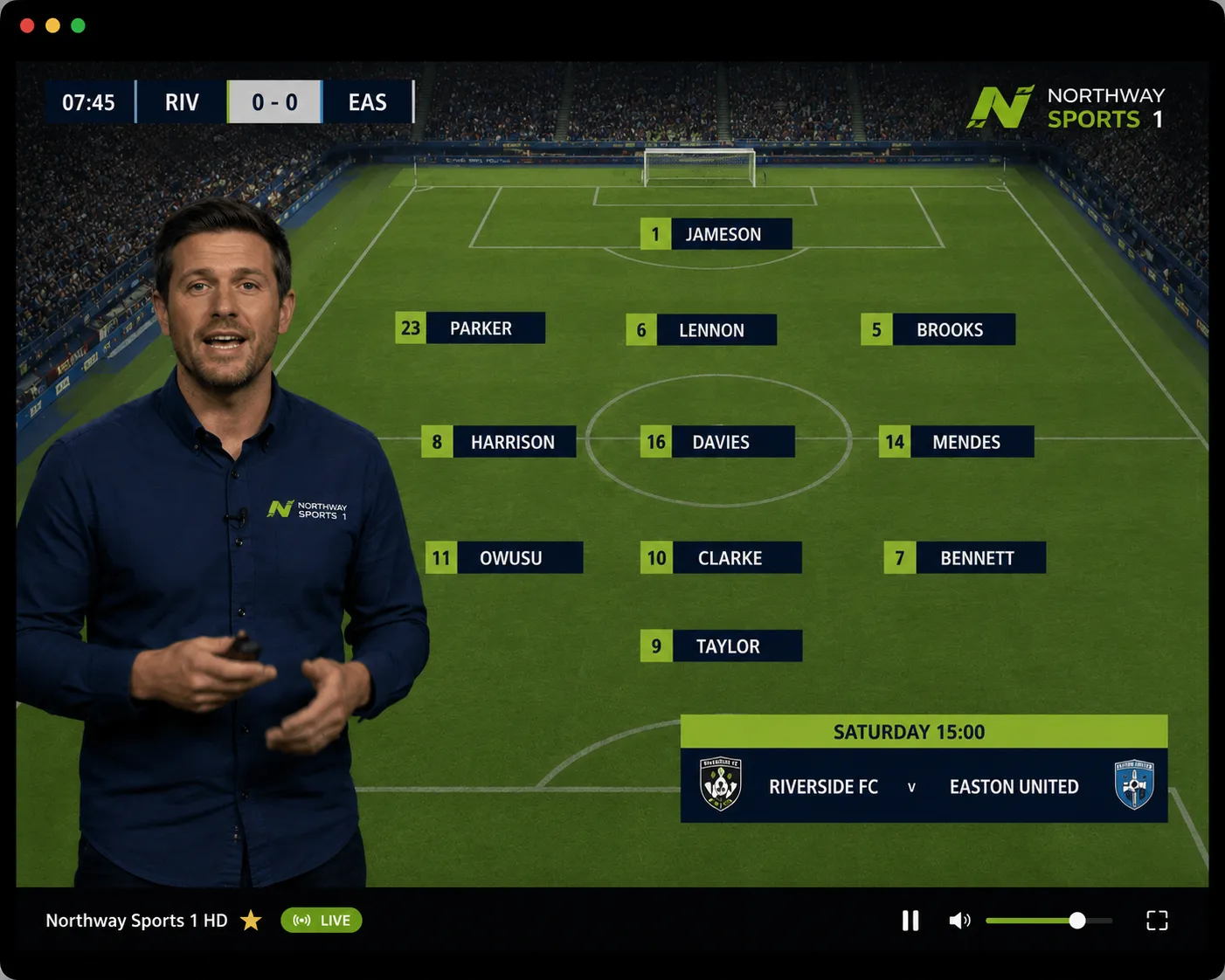
Playback
Playback you can trust.
Powered by the VLC engine, Spectra handles the streams providers actually serve — MPEG-TS and HLS alike. If a stream drops or your Mac sleeps, it reconnects on its own instead of leaving you at an error screen.
…and it’s a real Mac app
Native SwiftUI
Built for macOS from the first line — not a web wrapper or a port.
One-click updates
Sparkle-powered updates straight from the menu bar. No account needed.
Keychain security
Your provider credentials live in the macOS Keychain, never in a config file.
No tracking
No analytics, no telemetry, no middleman servers. The app talks only to your provider.
Dark-first design
A graphite, TV-native look that stays out of the way of what you’re watching.
Apple Silicon & Intel
Universal app, fast on everything from an M-series MacBook to older Intel Macs.
Frequently asked questions
Which providers does Spectra work with?
Any IPTV provider that uses the Xtream Codes API — the most common panel format. Enter your server address, username, and password, and Spectra loads your channels, guide, movies, and series.
Does Spectra include any channels or content?
No. Spectra ships no streams, channels, or media of any kind. It is a player for a subscription you already have with your own IPTV provider — like a browser for the service you pay them for.
What are the system requirements?
macOS 14 Sonoma or later, on Apple Silicon or Intel.
How do updates work?
Spectra updates itself with built-in Sparkle updates: it checks the public releases feed and installs new versions in one click. No account, no installer downloads.
What about my privacy?
Your credentials are stored in the macOS Keychain. There are no analytics, no tracking, and no Spectra servers — the app communicates only with your provider, directly.
How much does it cost?
Spectra is free during the beta. Later, new updates will move to an affordable annual fee — and whatever version you have keeps working forever.